Your portfolio, everywhere.
Six ways to reach your account: the web app, the research tool, mobile, a terminal interface, a REST API, or MCP for the AI assistant you already use.
Development test account. All data shown is fictional stub data, for illustration and development only. It is not the actual or hypothetical performance of any account, model or strategy.
Web App
Your account in a browser: how every portfolio, account and sleeve is performing, the advice behind it — goals, mandate, drift and what to harvest — and the holistic view of your finances, private assets and liabilities included.
- Net worth, allocation and drift at a glance
- Goals, mandate and harvest candidates — the advice beside the numbers
- Holdings down to the tax lot; performance, attribution and risk
- Statements, tax forms and an activity ledger you can export
Preview coming soon
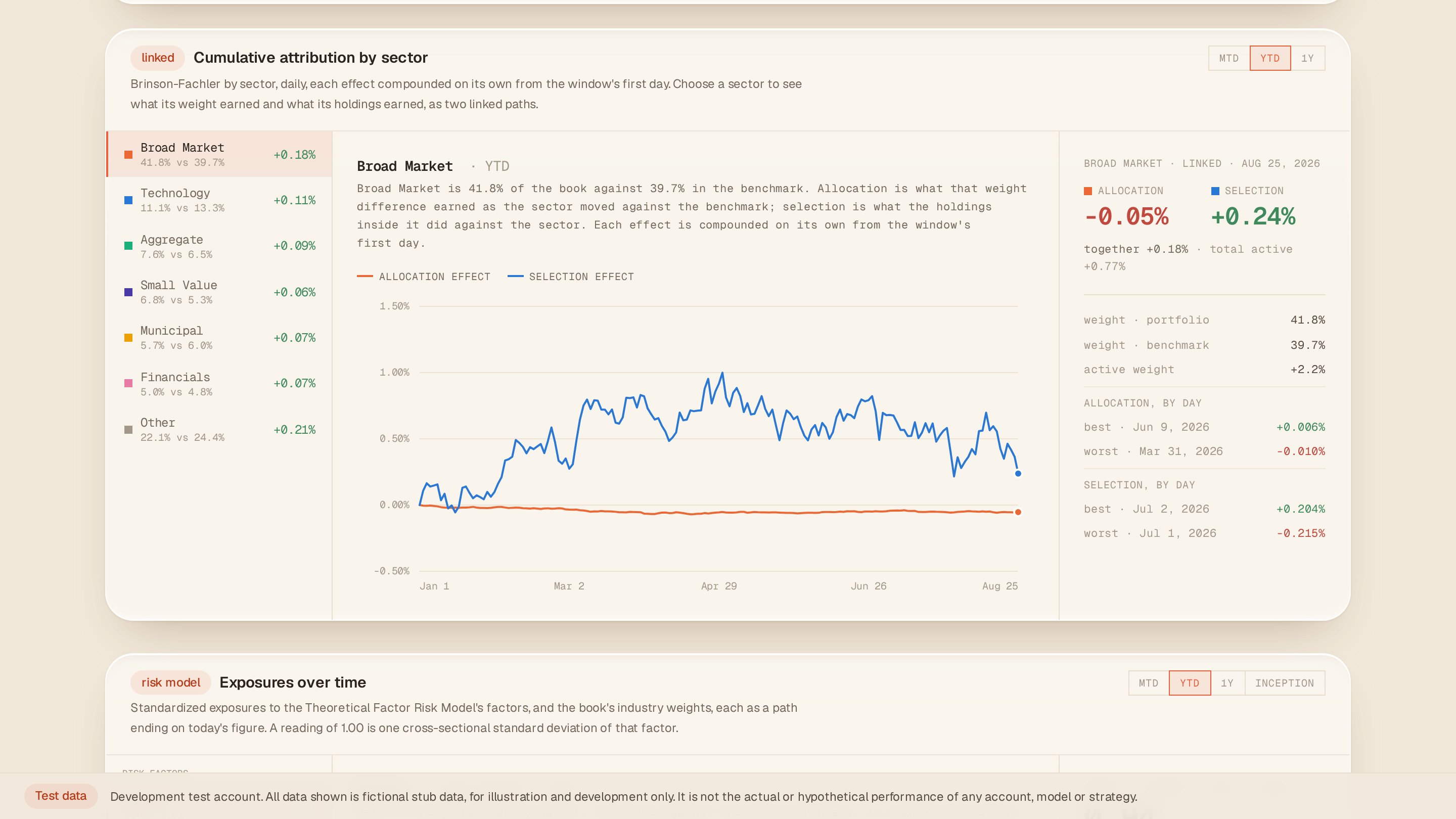
A picture of the real Research Tool, not a mock-up.
Research Tool
The research workstation. Create your own strategies and run the same analytics. Browser-based, so there is nothing to install: sign in and go.
- Portfolio analytics, attribution and factor exposures
- Theoretical Factor Risk Models
- Optimizer runs against your own constraints
- Live intraday market data
- Multi-period screening utility
- And much more
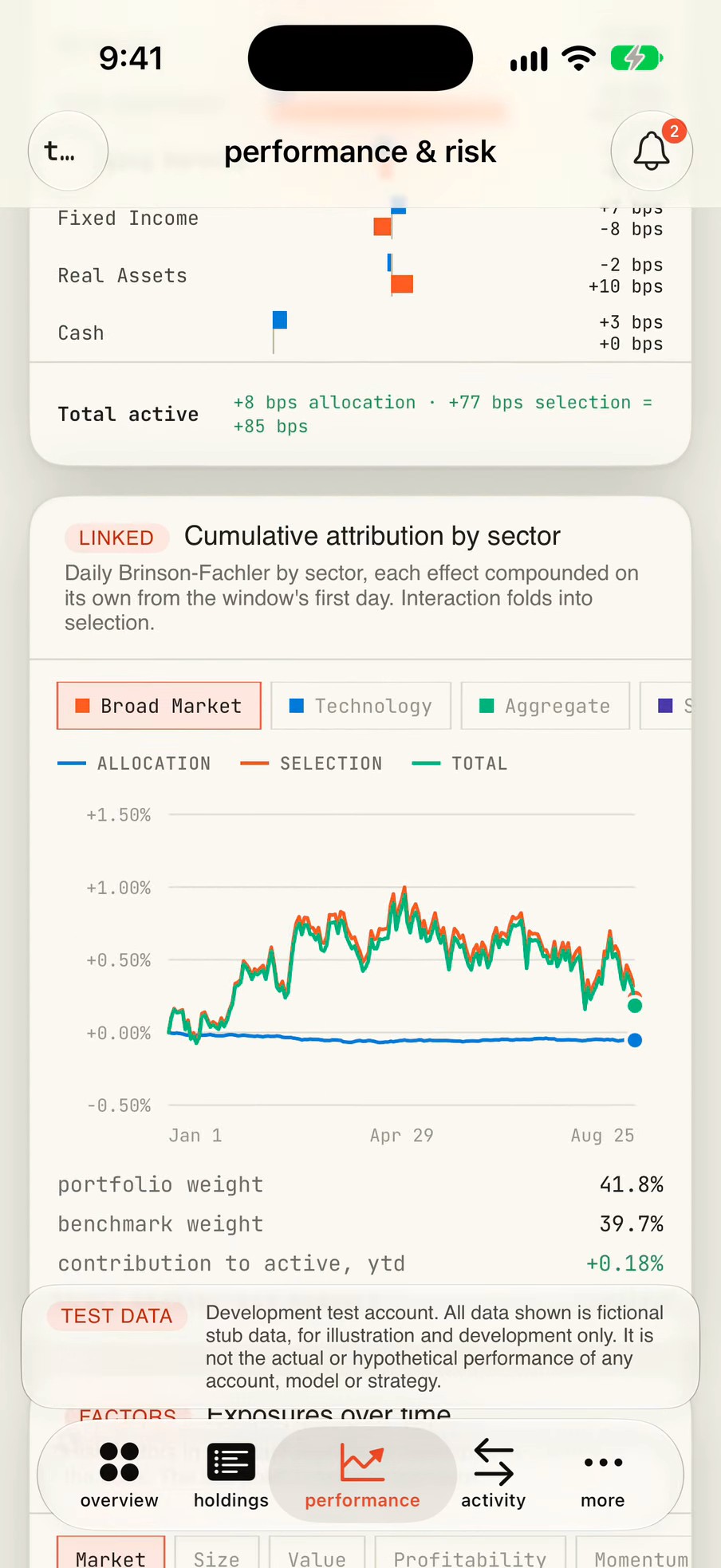
Mobile App
Your portfolio on the go. Positions, day change and net worth across every portfolio, with a push notification when something needs a decision.
- Native iOS application
- Push notifications for rebalances, harvests and drift breaches
- Positions and P&L across every portfolio and sleeve
- Biometric sign-in
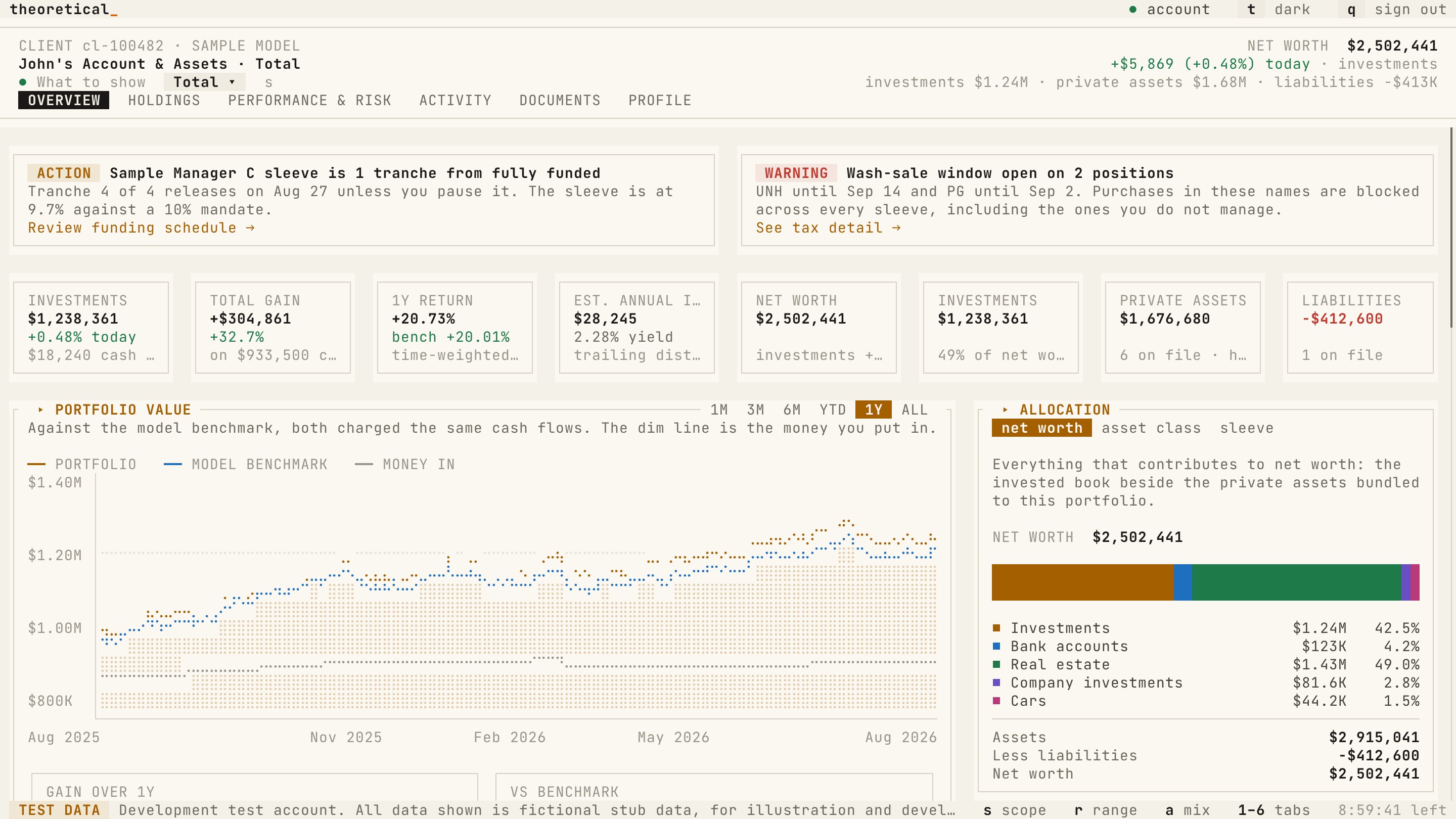
Terminal Interface
For terminal-dwelling enthusiasts. Run ssh, sign in with your email, password and authenticator, and get the account area in your terminal — overview, holdings, performance and risk, activity, and profile — with nothing to install.
- Nothing to install: the SSH client you already have
- Your email, password and authenticator code, never an SSH key
- Every account tab, with the keyboard or the mouse
- Two palettes of its own, paper or dark
Build your own personal financial app with our APIs.
GET /v1/analytics/risk
POST /v1/views/performance
REST API
Build your own personal financial app with our APIs, or bring Theoretical Analytics into tools you already have. The same data that powers the web app and the TUI.
- Endpoints for every platform view
- WebSocket streaming for real-time updates
- Documented alongside the metric registry
Bring your own AI to your accounts.
- Does this attribution make sense?
- What is this risk metric telling me?
- I just lost my job. Here are my accounts: what should I look at first?
- How can I improve my spending habits?
- Am I still on track for the house?
- Why did my portfolio move today?
MCP
MCP (the Model Context Protocol) lets the AI assistant you already use read your account data. We know your portfolio; your assistant knows the things about your life that we might not. Put the two together and ask in your own words.
- Works with the AI assistant you already prefer
- The same data that powers the web app and the REST API
- Ask in plain language; the assistant fetches the figures it needs
- Bring your own context: a new job, a move, a change of plans
The answers come from your AI assistant, not from Theoretical Analytics, and are not investment advice from us. An assistant can be wrong: check what it tells you against your account.
Join the waitlist!
After SEC registration, be one of our early alpha users, ahead of full launch.
Join the waitlist